Wednesday, April 22, 2009

Hot Virtual Keyboard software version 4.2 has been released


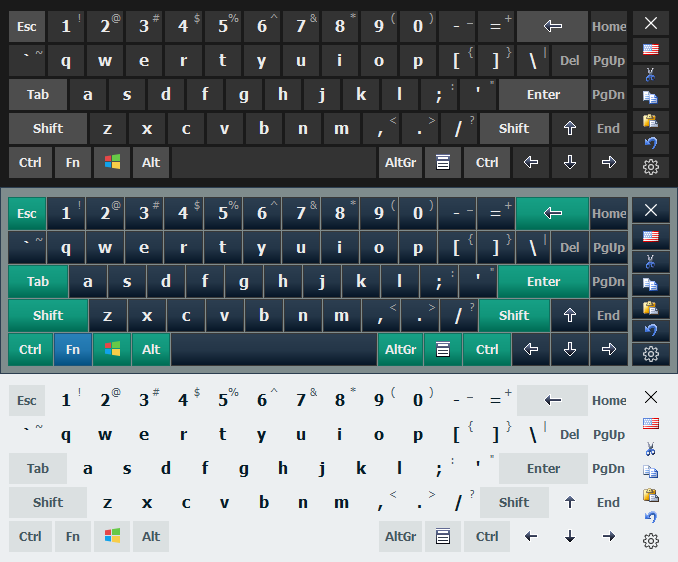
  • Added an ability to make simple skins.
  • Added new themes: Vista, Office 2007 Blue, Office 2007 Silver, Office 2007 Black, MacOS.
  • An on-screen keyboard on the Windows logon screen has been improved (you have to completely reinstall the program for this feature).
  • Added a new button to emulate the CTRL+ALT+DEL key combination on the logon screen (Windows 2000/2003/XP).
  • Added a new option for the on-screen keyboard: "Show On-Screen Keyboard when the text cursor is visible".
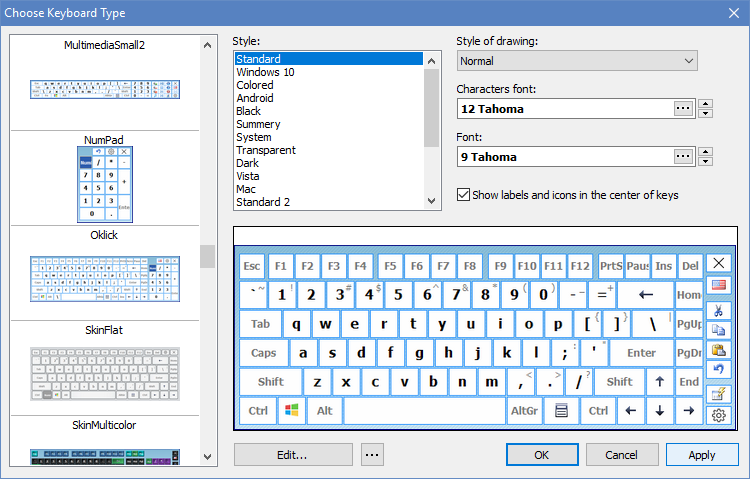
  • Added new on-screen keyboard types: FullScreen1024, FullScreen1440.
  • Now you can use your own actions inside keystroke macros.
  • Added a new action "Minimize the active window to the system tray".
  • Added a new action "Set the active window as always-on-top (on/off)".
  • Added a new action "Use the specified input language or layout while holding down the key".
  • Added a new action "Change the input language or layout of the last typed word" (two words, three words).
  • The "Eject/Close CD" action has been improved. Now you can specify the drive to use with this action.
  • Added new interface language: Turkish.
  • Fixed a minor bug: when letters were aligned to the center of keys on the on-screen keyboard and Alt was pressed, the numbers on the NumPad were not shown.
  • Fixed a minor bug: the "Close the active window" action didn't work in Microsoft Internet Explorer.
  • Fixed a bug: the "Change case of the selected text" actions didn't work when only one input language was configured in the system.
  • Lots of useful UI enhancements.

Tuesday, February 3, 2009

New Release: 4.1


  • Added an ability to use multimedia keys for hotkeys.
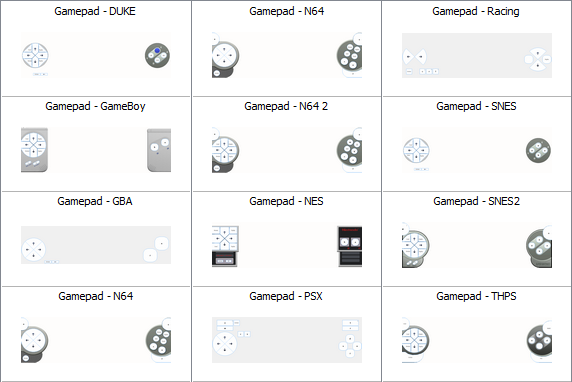
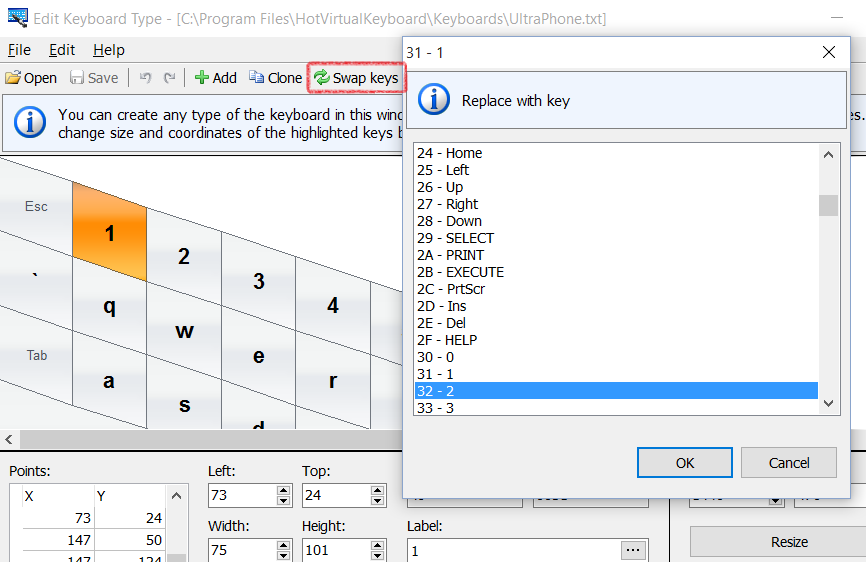
  • Added new keyboard types: UltraPhones640, UltraPhones800, UltraPhones1024, UltraPhones1440.
  • Added an ability to tune a hotkey message: Options -> Keyboard Shortcuts -> Info.
  • Added a new tag SCRIPT to the templates. With this tag you can perform various functions from your Java-scripts.
  • Fixed a bug: Color zones of the on-screen keyboard were shown incorrect in some layouts.
  • Fixed a minor bug: Leak of window handles.
  • Some other enhancements.

Tuesday, January 20, 2009

Deal of the Day

We're excited to announce Hot Virtual Keyboard 4.0 on Bits du Jour, a 'deal-of-the-day' website that offers fantastic, one-time discounts on a variety of great products. Bits du Jour will be offering Hot Virtual Keyboard 4.0 on Tuesday 27 January, 2009 at the dramatically reduced price of $11.95. The normal purchase price for Hot Virtual Keyboard 4.0 is $29.95!

If you have any friends or family members who might be interested in Hot Virtual Keyboard 4.0 please let them know about this sale. We can't afford to offer this kind of discount often, and it will only be available on Bits du Jour for a single day. Just tell them to visit http://www.bitsdujour.com on Tuesday 27 January, 2009 to get Hot Virtual Keyboard 4.0 for $11.95. If you visit http://www.bitsdujour.com right now you can click the 'Nofity Me' button and you'll be sure not to miss the deal!

http://www.bitsdujour.com/software/hot-virtual-keyboard-40/

Wednesday, November 26, 2008


Christmas is a time for family, food and fun. It's also a time to save some money at hot-virtual-keyboard.com.
You can SAVE 20% on your order. But this offer expires December 26, 2008 at midnight Pacific Time, so don't wait - order now!

Tuesday, November 11, 2008

On-Screen Typing Made Easy with Hot Virtual Keyboard

The release of Hot Virtual Keyboard 4.0, a revamped replacement of Windows On-Screen Keyboard, is ready. Hot Virtual Keyboard enables users of Tablet PC, Panel PC, Car PC, UMPC and similar touch-screen devices to type faster with less errors and more comfort, and enhances ergonomics of touch-screen devices by introducing gestures and the ability to launch applications and run scripts and commands by simply touching the screen.
Read full press-release of Hot Virtual Keyboard on PRWeb

Wednesday, November 5, 2008

Published at SnapFiles.com and Download.com

Hoorray, our virtual screen keyboard has been published at SnapFiles.com software archive. The program got the highest rating from site editors.
Also Hot Virtual Keyboard has been published at most popular software archive Download.com

Thursday, October 30, 2008

Hot Virtual Keyboard video

We have made special virtual keyboard video


Hot Virtual Keyboard Video on YouTube 1
Hot Virtual Keyboard Video on YouTube 2
Hot Virtual Keyboard Video on YouTube 3

Saturday, October 25, 2008

Hot Virtual Keyboard 4.0

Hot Virtual Keyboard software version 4.0 has been released.

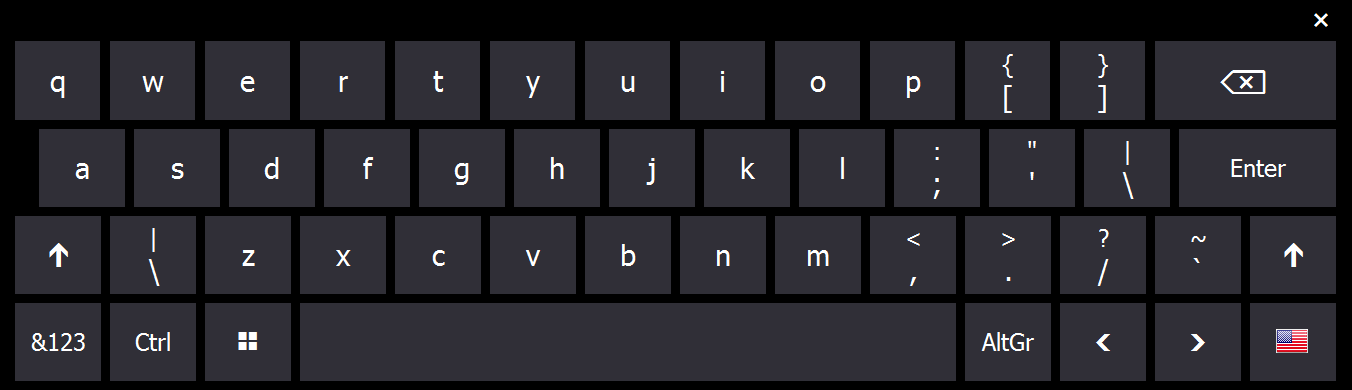
Hot Virtual Keyboard speeds up typing and makes using Windows touch-screen devices such as Tablet PCs and UMPCs more convenient by replacing Windows built-in On-Screen Keyboard and Input Panel. The virtual on-screen keyboard replacement provides endless customizations and enhancements of both ergonomics and presentation of the virtual keyboard, enables mouse gestures for routine operations such as shifting characters to upper or lower case, and provides numerous performance enhancements.

On-screen typing with a virtual keyboard gets faster and easier with the Word Complete feature available in Hot Virtual Keyboard for many languages. Supporting all languages and keyboard layouts installed in Windows, Hot Virtual Keyboard makes it possible to replaces Windows On-Screen Keyboard with an advanced alternative.

Hot Virtual Keyboard is highly customizable in looks and behavior. The new virtual screen keyboard throws in more than 40 pre-defined virtual keyboards, and allows customizing each keyboard to personal liking. Hot Virtual Keyboard makes is possible to change colors and gamma of the selected on-screen keyboard, assign different sounds to groups of keys, select custom background and set shape and font of the virtual keys.
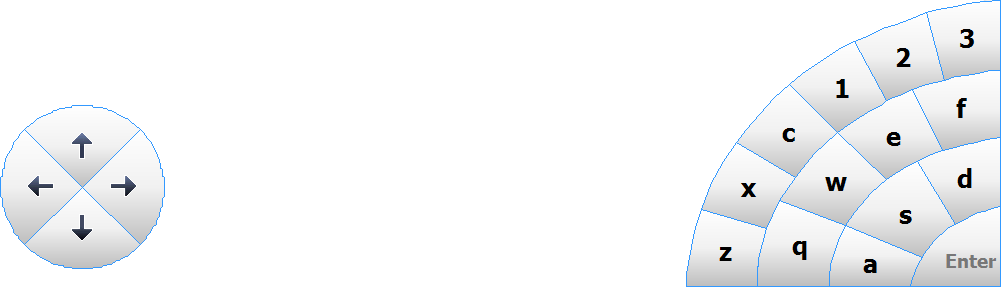
Users of Hot Virtual Keyboard are able to define gestures, use on-screen hot keys to launch applications and Web sites or run scripts, and perform routine operations such as copy and paste by simply touching the screen or clicking the mouse.

More information about virtually keyboard software you may find at the official web site of Hot Virtual Keyboard software: www.hot-virtual-keyboard.com